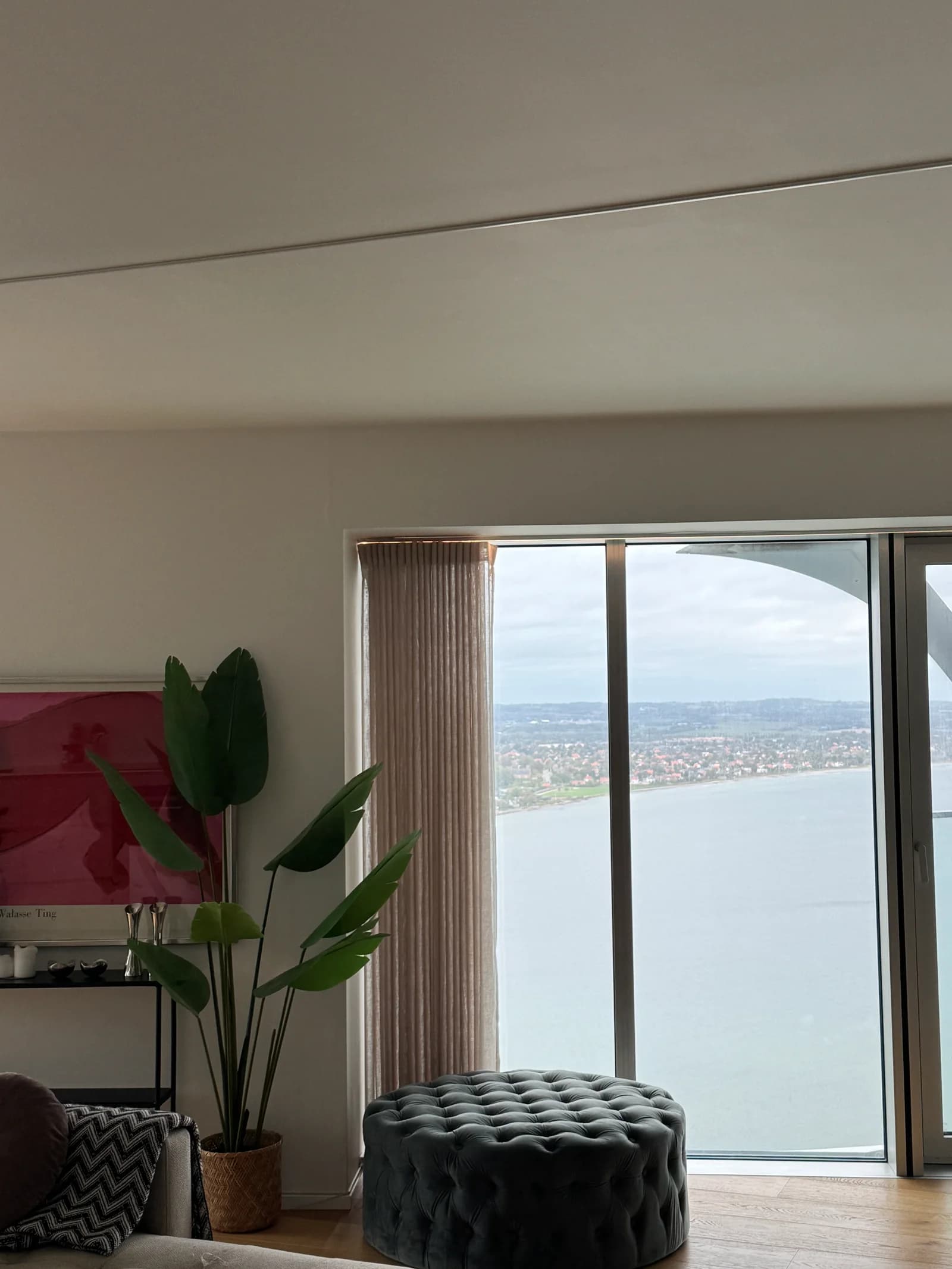
In the apartment
How to use the lighting
The lights are usually set to warm. For everyday use, simply select All, then press ON or OFF.
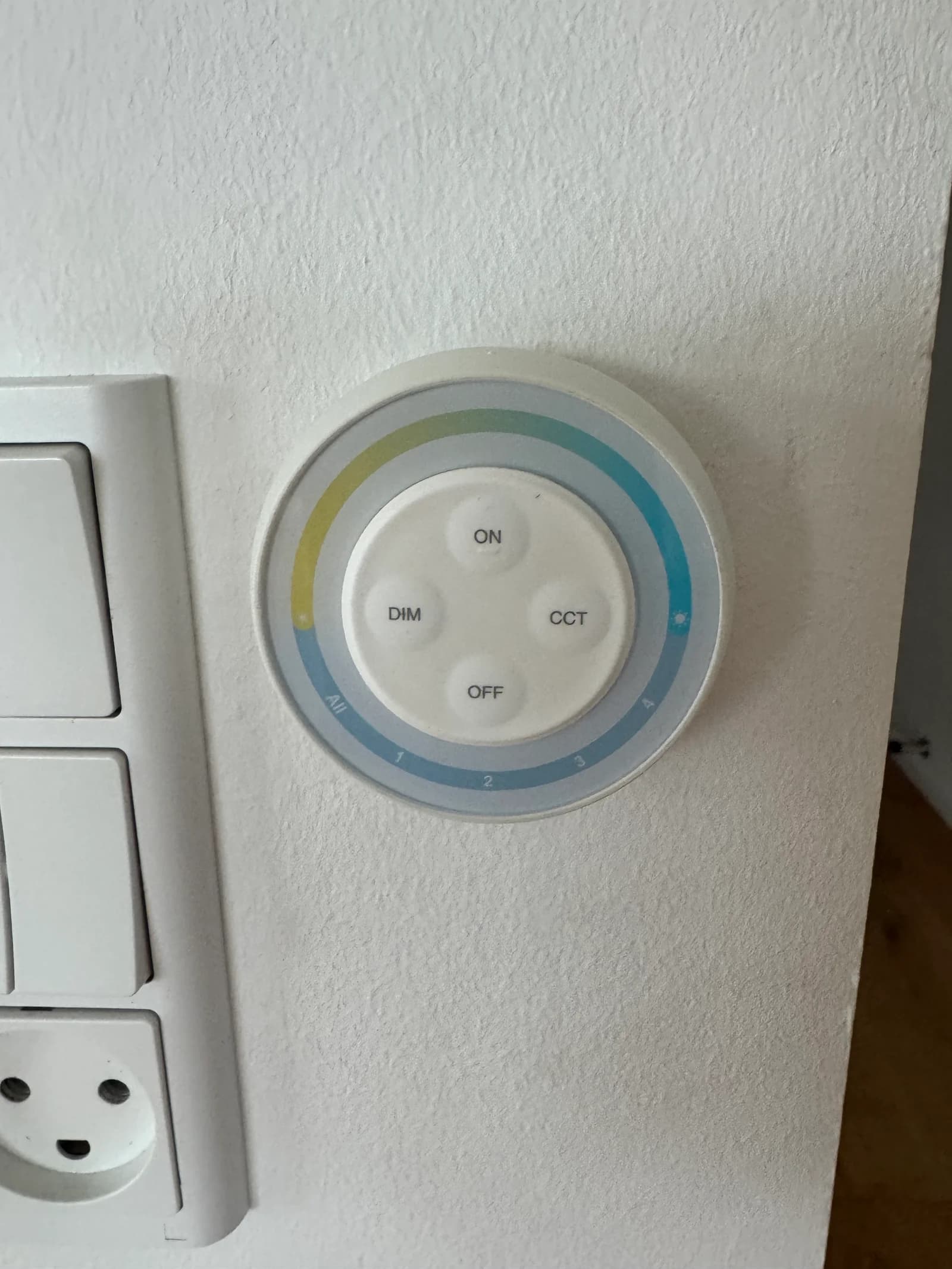
What each control does
- AllSelect all lights
- Select All on the lower-left edge of the controller to operate all the lights controlled by this panel together.
- ON / OFFSwitch the lights on or off
- Press ON at the top of the centre circle to turn the lights on. Press OFF at the bottom to turn them off.
- DIMAdjust the brightness
- Use DIM on the left to make the lights brighter or dimmer.
- CCTAdjust the light colour
- Use CCT on the right to change between warmer and cooler white light. We normally keep it warm for a cosy atmosphere.
The everyday routine
Select All
Control the lights together.
Press ON or OFF
That’s all you normally need.
Adjust if you like
DIM changes brightness. CCT changes the light colour. Warm is our usual setting.